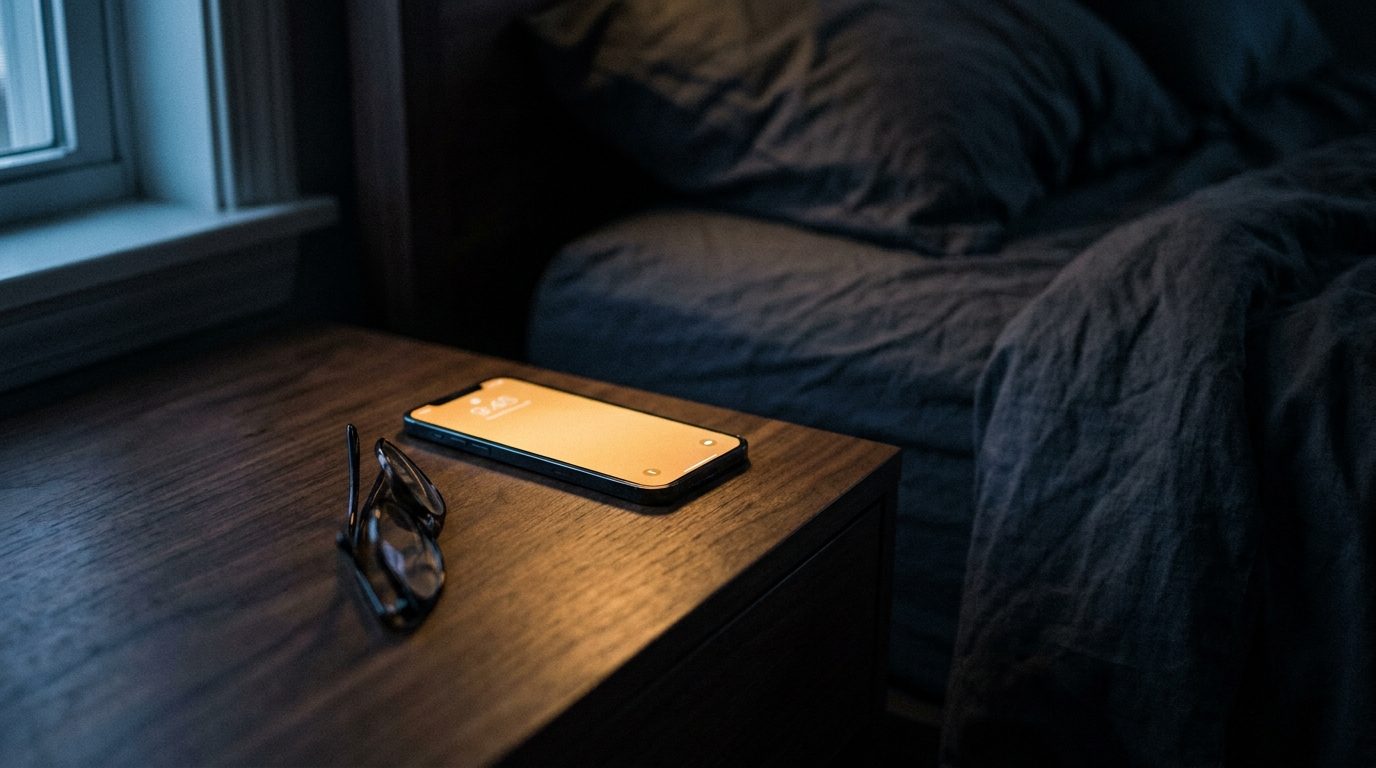
A phone glowing on a nightstand before dawn
Late again?

Stop setting
alarms. Start
arriving on time.

Your alarm rings whenever you told it to, whatever is happening on the road. This one watches traffic and weather all night, learns how long you really take to get out of the door, and moves itself.

Free to download. iPhone and Android.

Alarms TUE 27 AUG
MOVED 12M
6:47AM
Go to work
Sabal Point · arrive 8:15 AM
✦Light rain forecast 6-9 AM, and this stretch runs about 15% slower in the wet. Moved you 12 minutes earlier.
5:20AM
Gym
Downtown · arrive 6:00 AM
✦Clear roads, no change needed. You have been leaving 4 minutes late on Tuesdays, so that is already built in.
7:05AM
School run
Off · weekdays
How it works

Three answers.
Then leave it alone.

You say where you are going and when you have to be there. Everything after that happens while you sleep.

01

Where, and by when

Type the address and the time you need to arrive. Add how long you take to get ready. That is the whole setup.

02

It does the maths

It prices the drive for the morning you are actually driving, checks the forecast, and works backwards to a wake time.

03

It keeps checking

All night. If a lane closes at 3 AM or rain moves in, the alarm slides earlier and tells you why in the morning.

What it does

The bells.
And the whistles.

Most apps tell you about traffic once you are already awake and already behind. Here is what this one does instead.

It asks about the morning you drive

Ask a maps app how long your commute takes at 2 AM and it will cheerfully answer for empty 2 AM roads. That is useless for an 8:15 arrival, and it is what almost everything gives you.

Never Be Late asks a different question: how long will this take at the hour I am actually leaving. On a busy route that gap is the difference between comfortable and sprinting.

The same drive is not the same drive at 3 AM and at 9 AM, and the gap is widest exactly when you have somewhere to be.
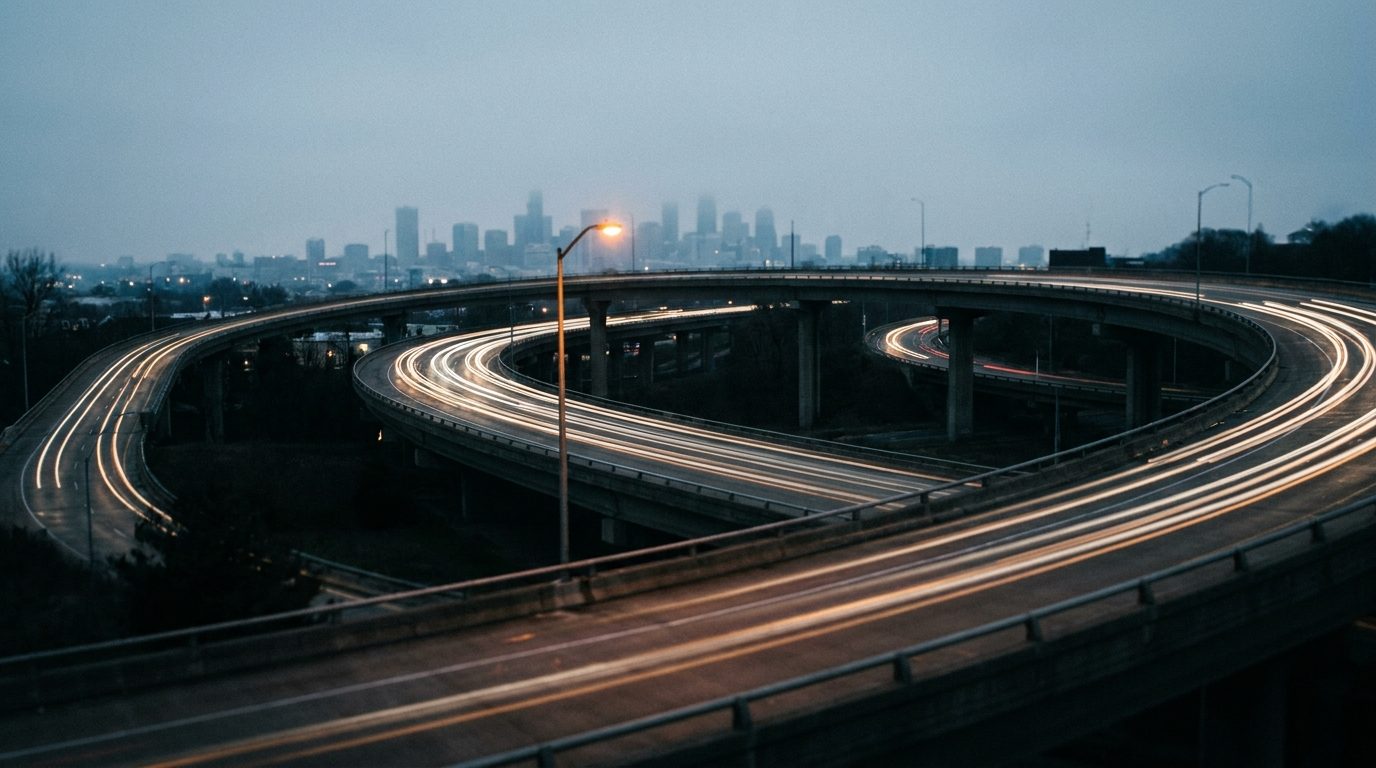
A freeway interchange at dawn traced with light trails

It watches you actually leave

This is the part nobody else measures. There is the time you meant to leave, and there is the time you really walked out of the door, and for most of us those are not the same number.

The app notices when you leave home and starts the clock then. So it learns your real drive time separately from your real getting-ready time, and stops blaming the traffic for the ten minutes you spent looking for your keys.

If it never sees you leave, it throws the trip away rather than learning from a number it cannot trust.
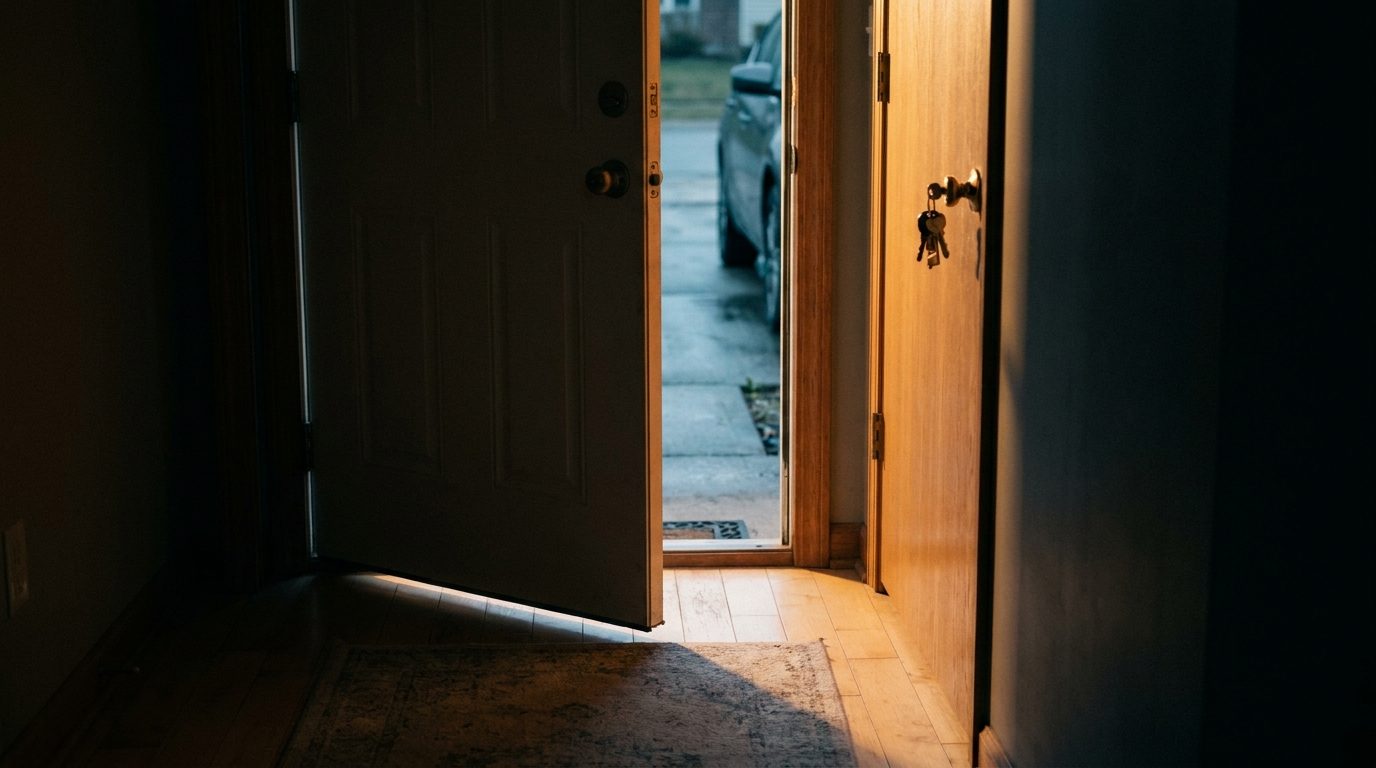
A front door standing open at dawn with keys in the lock

It learns how long you really take

You said thirty minutes to get ready. After a couple of weeks the app knows whether that is true, whether Mondays are worse, and whether you are a person who says thirty and means forty-five.

Then it builds that into your alarm without ever making you admit it out loud.

"Added 10 minutes for your consistent 5-minute departure delay on this route."
Coffee, a wristwatch and keys laid out on dark slate at dawn

It knows rain slows you down

Weather is not a separate notification you have to interpret at 6 AM. It is folded straight into the wake time, because a wet Tuesday and a dry Tuesday are not the same commute.

Rain, fog, ice, or a clear run. It was accounted for before you opened your eyes.

The live forecast for your route and your window, not today's city-wide summary.
Rain running down a dark window at first light
No black box

It tells you
why. Every time.

An alarm that moves itself is only worth trusting if it explains itself. Every adjustment comes with the reasoning in plain English.

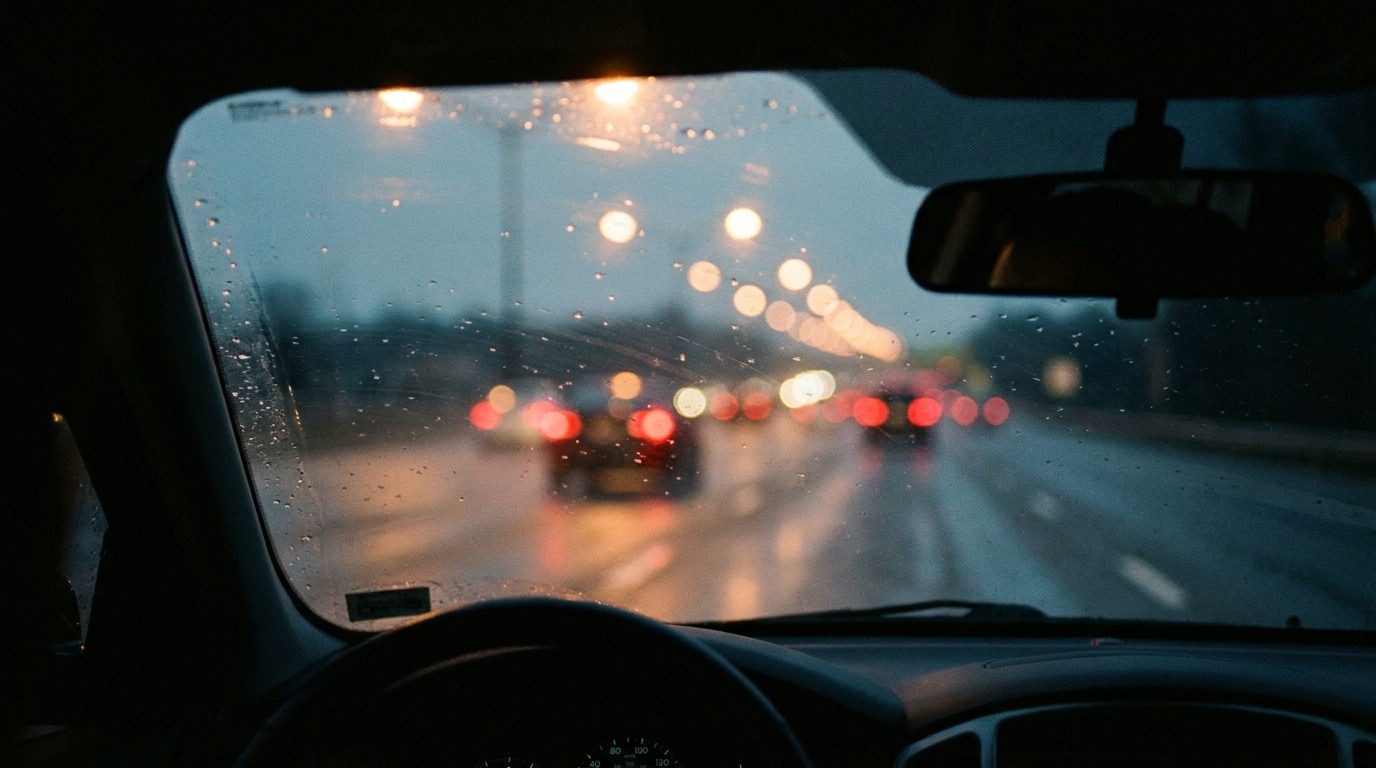
Rain on a windshield with tail lights ahead
✦ Never Be Late A.I. · 4:12 AM
"I moved your alarm 18 minutes earlier. There is a 40% chance of freezing rain between 6 and 7, which typically adds 12 minutes to your route. I also noticed you have been running about 6 minutes behind your target departure the last three Tuesdays, so I added a little extra room."

You wake up to the reason, not just a different number. And you can always overrule it.

⏰

A real alarm, not a notification

It rings on your phone's actual alarm channel, survives a reboot, and wakes the device out of deep sleep. It will not be politely ignored.

📍

Address autocomplete

Start typing a destination and pick it from the list. No copy-pasting addresses at midnight.

🔁

Repeat by weekday

Weekdays, weekends, or the two days a week you go into the office. Every alarm keeps its own schedule.

🌙

Works while you sleep

Checks step up as the alarm gets closer, from occasional early in the night to frequent near the end. iOS decides when a sleeping app may run, so that pace is what it aims for.

🛡️

It will not oversleep you

If a route lookup fails or an answer looks wrong, it falls back to a safe estimate. It never gives you time it cannot prove you have.

✋

You stay in charge

Every alarm is still yours to set, change or switch off. The AI advises and adjusts. It does not take over.

Pricing

Cheaper than
being late once.

Download and set alarms for free. The AI engine, the learning and the overnight traffic watching are the paid part.

Monthly
$2.99 / month
  • Overnight traffic and weather watching
  • AI wake times, with the reasoning
  • Learns your real commute
  • Cancel any time
Best value
Yearly
$19.99 / year
  • Everything in monthly
  • Works out at $1.67 a month
  • Around 44% off the monthly price
  • Cancel any time
Set it tonight

Wake up at the
right time tomorrow.

Free to download. Your first alarm takes about a minute to set.